

How to Trade Skins in CS2: Step-by-Step Guide
Counter-Strike 2 has one of the most active skin economies in gaming, with millions of players buying, selling, and trading cosmetic items every day. CS2 skins don’t affect gameplay, but they carry real value, with some items worth anything from a few cents to thousands of dollars. Because of this, trading skins has become a core part of the CS2 experience for collectors, traders, and players looking to upgrade their inventory without spending extra money. In this guide, you’ll learn exactly how CS2 skin trading works, what you need before making your first trade, and the safest ways to trade skins step by step without risking your account or items.
CS2 Trading Requirements
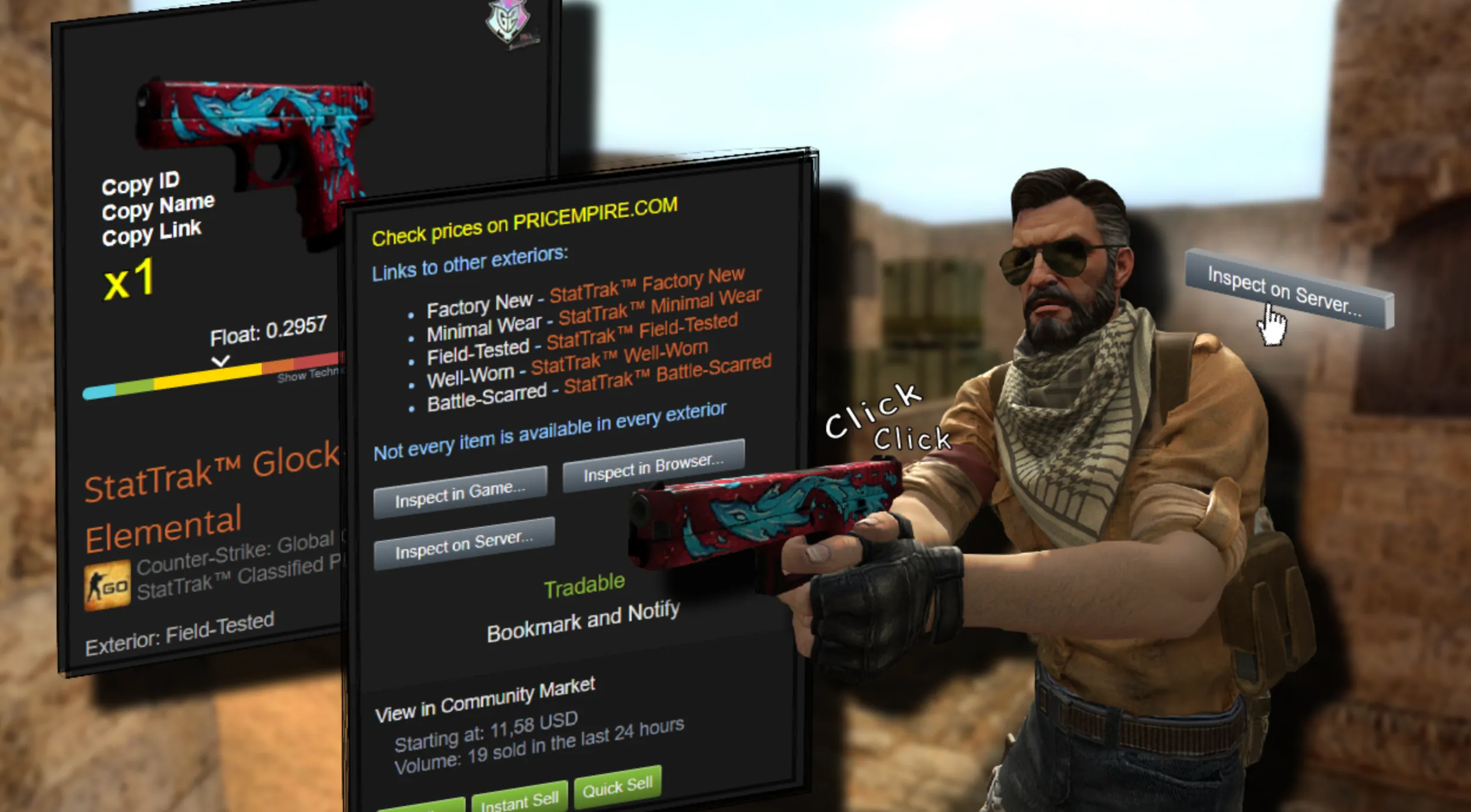
To trade skins in CS2, you need to meet a few basic requirements set by Valve to keep trading secure and reduce scams. First, your Steam account must have Steam Guard Mobile Authenticator enabled for at least 15 days. Without it, trades will either be locked or delayed. Your account also needs to be in good standing, meaning no active VAC bans, trade bans, or community restrictions. You must own CS2 on the same Steam account you’re trading from, and your inventory needs to be set to public so other players can view your items. Finally, both you and the other trader must have trading enabled in your Steam privacy settings. Once all of these conditions are met, you’re fully eligible to start trading CS2 skins safely.
How to Make a Trade in CS2
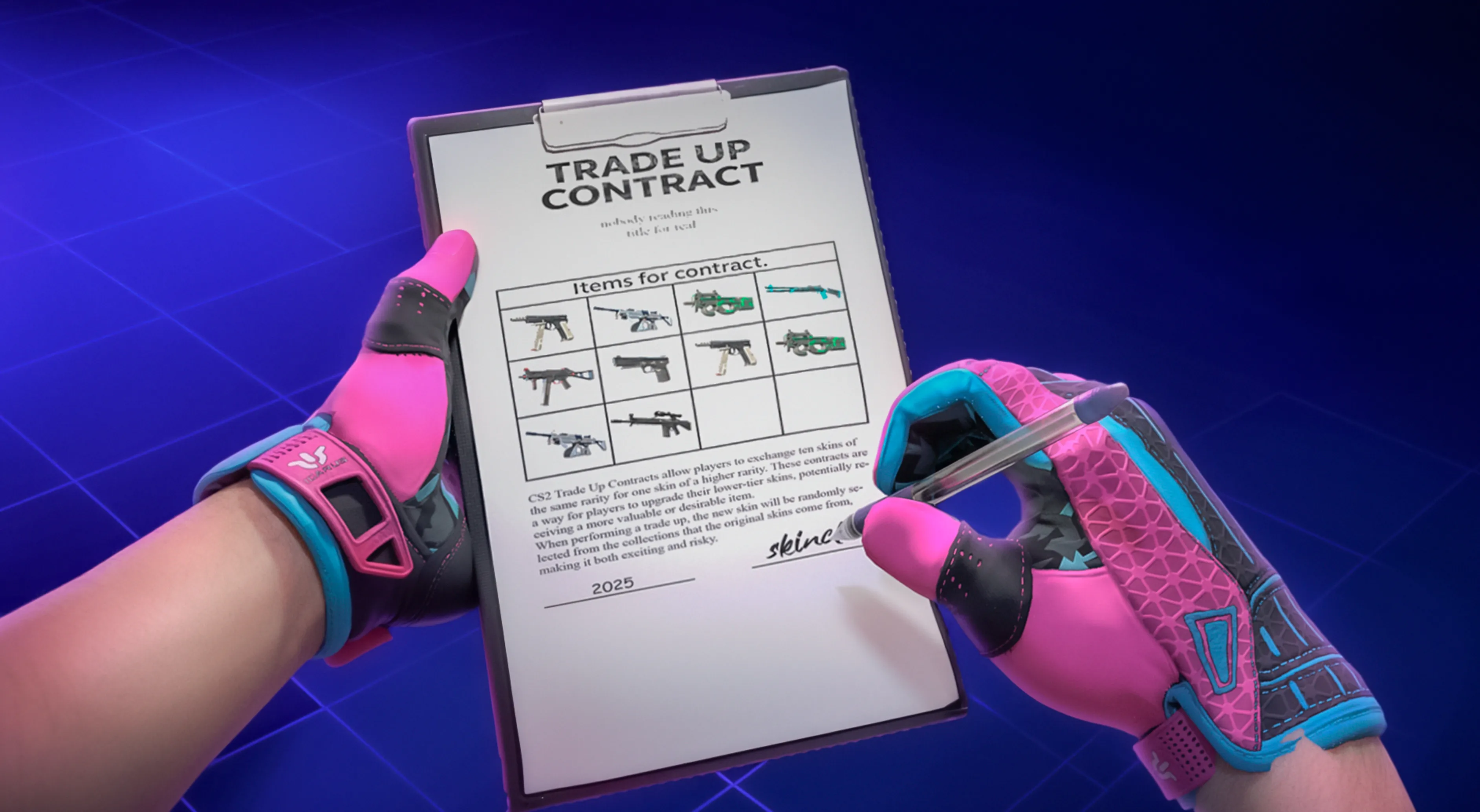
Making a trade in CS2 is handled entirely through Steam and only takes a few steps once trading is enabled on your account. Start by opening Steam and navigating to your Friends list, then select the friend you want to trade with and click “Trade Offer.” From there, choose “Make a Trade Offer” to open the trading window. You’ll see both inventories side by side, allowing you to select the CS2 skins you want to offer and the items you want in return. After reviewing the trade carefully, send the offer. If Steam Guard Mobile Authenticator is active, the trade will be confirmed instantly once the other player accepts. If not, a trade hold may apply. Always double-check the items and values before confirming, as trades are final once completed.
CS2 Trading Tips
When trading skins in CS2, being careful and strategic makes a huge difference. Always double-check every trade offer before accepting it, especially the exact skins, conditions, and floats, since trades can’t be reversed once they’re completed. Watch out for common scams like fake Steam profiles, impersonators, or last-second item swaps, and only trade through Steam’s official trade offer system. Understanding market value is key, so use trusted price references to avoid overpaying or getting lowballed, particularly with rare finishes or low float skins. If a deal feels rushed or too good to be true, it usually is. Finally, keep Steam Guard Mobile Authenticator enabled to avoid trade holds and add an extra layer of security to your account, making every CS2 trade smoother and safer.
FAQs
Do I need Steam Guard to trade skins in CS2?
Yes, Steam Guard Mobile Authenticator is strongly recommended. Without it, your trades may be locked for several days, and it also helps protect your account from unauthorized trades.
Can you trade CS2 skins instantly?
You can trade instantly if both accounts have Steam Guard Mobile Authenticator enabled and there are no trade restrictions. Otherwise, trades may be placed on hold.
Are CS2 skin trades reversible?
No, once a trade is accepted and completed, it cannot be undone. Always double-check the items before confirming the trade.
Why are some CS2 skins not tradable?
Certain skins are temporarily locked after purchase or trade, usually for a short cooldown period. Items obtained from specific promotions may also be non-tradable.
Is it safe to trade CS2 skins with strangers?
Trading can be safe if you use Steam’s official trade system and avoid third-party links or middlemen. Be cautious of impersonators, rushed deals, and offers that seem too good to be true.
Conclusion
Trading skins in CS2 is a powerful way to customize your inventory, upgrade your loadout, or turn unused items into something more valuable. By meeting the trading requirements, understanding how the Steam trade system works, and following safe trading practices, you can avoid common mistakes and protect your account from scams. Whether you’re making your first trade or actively flipping skins, taking your time and using official tools will always lead to better results. With the right approach, CS2 skin trading becomes a smooth, secure, and rewarding part of the game.
Posted On: January 27th, 2026
Recent Articles


Our 1v9 support team is available 24/7 to help you with any questions or issues you may have.
support@1v9.gg


-a6d5b3e156bb.webp)





Loading...
1v9.gg is not endorsed or affiliated by any game developers or publishers.
2026 1v9, All Rights Reserved, Created By Ritesh (riteshsahoo.com)