

Best Free Fire Sensitivity Settings For One-Tap Headshots
Landing clean one-tap headshots in Free Fire isn’t just about fast reflexes, it comes down to having the right sensitivity settings. If your aim feels shaky, overshoots targets, or struggles to lock onto heads, your sensitivity is probably holding you back. The right setup can make drag shots smoother, improve recoil control, and help your crosshair snap perfectly to the head with minimal effort. In this guide, we’ll break down the best sensitivity settings for one-tap headshots in Free Fire, explain why they work, and help you fine-tune them based on your device so you can win more fights and feel confident in every gunfight.
Best Free Fire Sensitivity Settings for Close-Range One-Taps
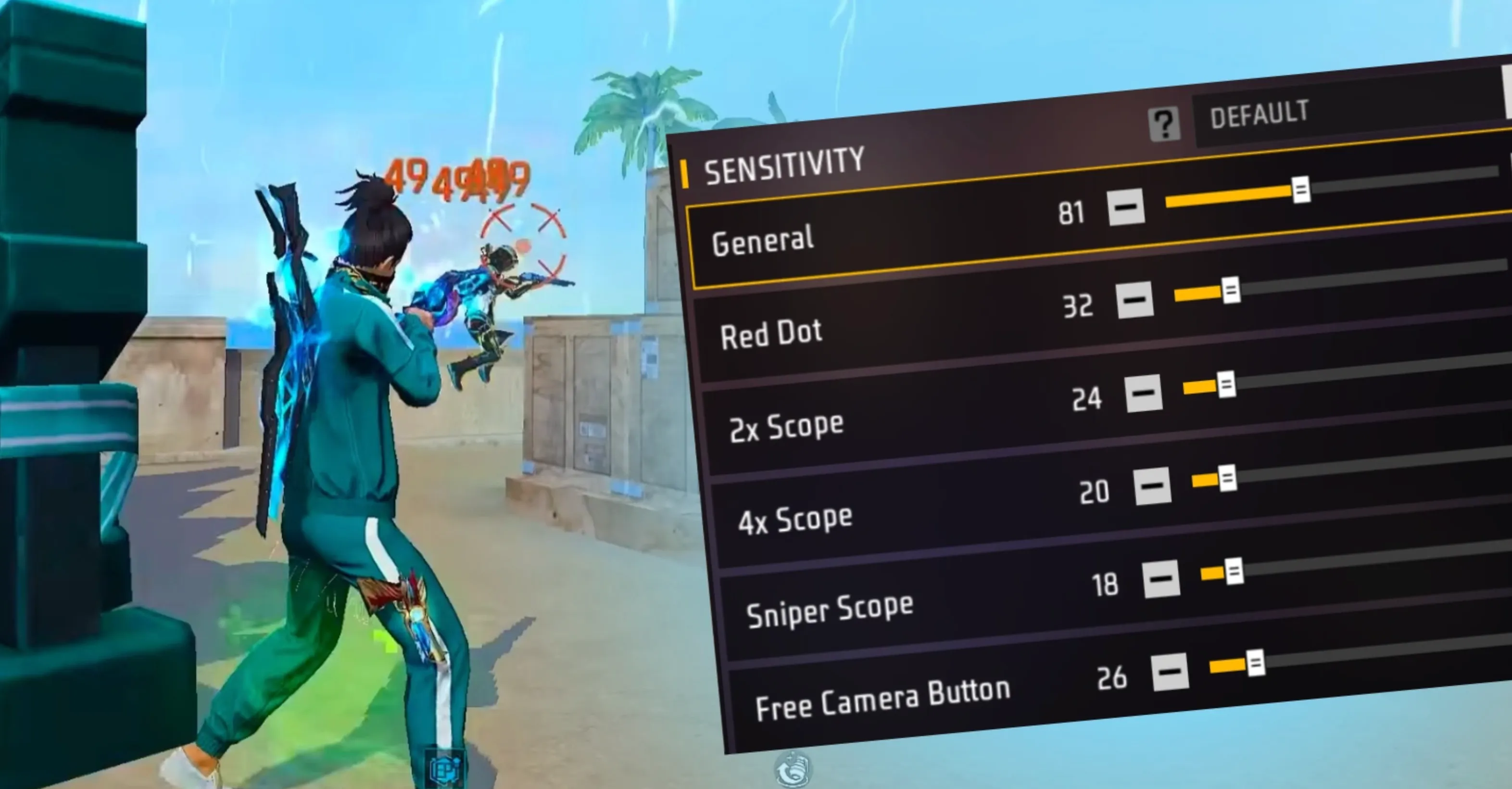
Close-range fights in Free Fire are fast, chaotic, and unforgiving. One wrong flick or a delayed reaction and you’re already back in the lobby. That’s why close-range one-taps rely heavily on having a sensitivity setup that feels quick but still controlled. When enemies rush you with SMGs or shotguns, your crosshair needs to snap to the head instantly without flying past it. A higher General and Red Dot sensitivity helps you react faster in panic situations, especially with weapons like the MP40 or M1887, while slightly lower scope sensitivities keep your aim stable when spraying at point-blank range. Even though sniper scopes aren’t used much up close, keeping them balanced prevents awkward aim jumps if you quickly scope in by mistake. Below is a solid sensitivity setup that works well for aggressive close-range play and consistent one-tap headshots, especially on mobile devices.
Recommended Close-Range Sensitivity Settings for Free Fire
• General: 90–100
• Red Dot: 90
• 2x Scope: 85
• 4x Scope: 70–80
• Sniper Scope: 58–60
• Free Look: 67
These values are a strong starting point, but small adjustments can make a big difference depending on your phone and playstyle. If your aim feels shaky, lower the settings slightly. If it feels too slow during rush fights, bump them up just a bit until your one-taps feel natural and consistent.
Best Free Fire Sensitivity Settings for Medium Range
Medium-range fights in Free Fire are all about control. You still need fast reactions, but raw speed alone won’t win these gunfights. This is the distance where most players lose accuracy by either flicking too hard or reacting too slowly. The goal here is balance: smooth tracking, clean drag shots, and steady crosshair movement when using ARs and SMGs. Keeping your General sensitivity fairly high helps you react quickly, while lowering Red Dot and scope sensitivities prevents your aim from jumping past the target. This setup makes it much easier to stay locked on the enemy’s head, especially during strafing fights or when enemies are moving sideways. With the right balance, medium-range engagements start feeling controlled instead of chaotic.
Recommended Medium-Range Sensitivity Settings for Free Fire
• General: 100
• Red Dot: 80
• 2x Scope: 70
• 4x Scope: 60
• Sniper Scope: 50
• Free Look: 57
These settings are ideal if you want stable aim without sacrificing responsiveness. If you feel like your crosshair drifts too much, lower the scope values slightly. If enemies feel hard to track when they move fast, increase Red Dot or General just a bit until it feels smooth and natural.
Best Free Fire Sensitivity Settings for Long-Range Headshots
Long-range gunfights in Free Fire are all about patience and precision. When you’re taking fights at distance, especially with a 4x scope or sniper, raw speed becomes your enemy. Even the smallest flick can push your crosshair past the head if your sensitivity is too high. Lower scope sensitivity gives you tighter control, making small adjustments feel smooth instead of shaky. This is crucial for landing clean headshots on enemies who are barely moving or holding angles from far away. Red Dot and 2x scopes should also be toned down so your aim stays steady when tapping or drag-shooting at range. The sniper scope, in particular, should feel slow and controlled, allowing pixel-level adjustments without panic flicks.
Recommended Long-Range Sensitivity Settings for Free Fire
• General: 100
• Red Dot: 80
• 2x Scope: 70
• 4x Scope: 60
• Sniper Scope: 50–53
• Free Look: 56–58
This setup is ideal for players who want consistent long-range headshots without overcorrecting their aim. If your scope feels too stiff, slightly raise the sniper value. If you keep missing by overshooting, lower it a bit more. Fine-tuning within these ranges will help you stay locked on targets and win long-distance duels more reliably.
Best Free Fire Sensitivity Settings for High-End Devices
If you’re playing Free Fire on a high-end phone with a strong processor and a smooth, high refresh rate screen, you have a big advantage when it comes to sensitivity. Since there’s almost no input delay, you don’t need to rely on high sensitivity to “force” fast movement. Instead, you can fine-tune your settings for cleaner aim, tighter control, and more consistent one-tap headshots. This setup focuses on keeping your crosshair stable while still feeling smooth and responsive.
A higher General sensitivity keeps movement fluid, while lower Red Dot and Sniper values give you far better control when lining up headshots. This is especially important for long-range fights, where even a tiny overcorrection can make you miss. With a powerful device, precision matters more than speed.
Recommended Free Fire Sensitivity Settings for High-End Devices
• General: 80–100
• Red Dot: 50–55
• 2x Scope: 80
• 4x Scope: 75–80
• Sniper Scope: 10–20
• Free Look: 50
These settings are ideal if your aim already feels smooth and your FPS stays stable during fights. If your crosshair feels too slow, slightly increase Red Dot or 2x Scope. If you’re overshooting headshots, lower them a bit. High-end devices shine with precision-focused sensitivity, so small adjustments go a long way.
Best Free Fire Sensitivity Settings for Low-End Devices
Playing Free Fire on a low-end device can feel frustrating, especially when frame drops or touch delay mess with your aim. The goal with sensitivity on weaker phones isn’t perfection, it’s compensation. Slightly higher sensitivity helps your crosshair react faster, even when the device struggles to keep up. This makes aiming feel smoother and more responsive instead of slow or “stuck” during fights. That said, cranking everything to max will only make things worse, so balance is key. You want faster movement without losing headshot control.
Higher General and Red Dot sensitivity helps with quick adjustments in close fights, while scoped values should stay controlled so your aim doesn’t fly past the target. Sniper sensitivity should remain lower to avoid shaky long-range shots, especially if your FPS drops mid-aim.
Recommended Free Fire Sensitivity Settings for Low-End Devices
• General: 100
• Red Dot: 90
• 2x Scope: 85–99
• 4x Scope: 75–95
• Sniper Scope: 45–50
• Free Look: 50–75
These settings are designed to reduce the impact of lag and delay while keeping your aim usable in real matches. If your screen feels unresponsive, increase the scope values slightly. If your crosshair keeps overshooting, lower them a bit. Small tweaks within these ranges can make a big difference on low-end phones.
Conclusion
Finding the right sensitivity in Free Fire can completely change how consistent your one-tap headshots feel. There’s no single “perfect” setup that works for everyone, but by adjusting your sensitivity based on fight range and your device performance, you give yourself the best chance to land clean, controlled headshots. Close-range settings help you react fast under pressure, medium-range values keep your aim steady, and lower long-range sensitivity allows for precise micro-adjustments. On top of that, tailoring your settings for low-end or high-end devices ensures smoother aim without fighting lag or overshooting. Use these sensitivity setups as a starting point, make small tweaks that fit your playstyle, and stick with one setup long enough to build muscle memory. With practice and the right settings, one-tap headshots will start to feel natural instead of lucky.
Posted On: December 23rd, 2025
Recent Articles


Our 1v9 support team is available 24/7 to help you with any questions or issues you may have.
support@1v9.gg


-a6d5b3e156bb.webp)





Loading...
1v9.gg is not endorsed or affiliated by any game developers or publishers.
2026 1v9, All Rights Reserved, Created By Ritesh (riteshsahoo.com)